Android Recycler view Animations in android studio with example
Learn how to populate an empty RecyclerView list using custom animations.
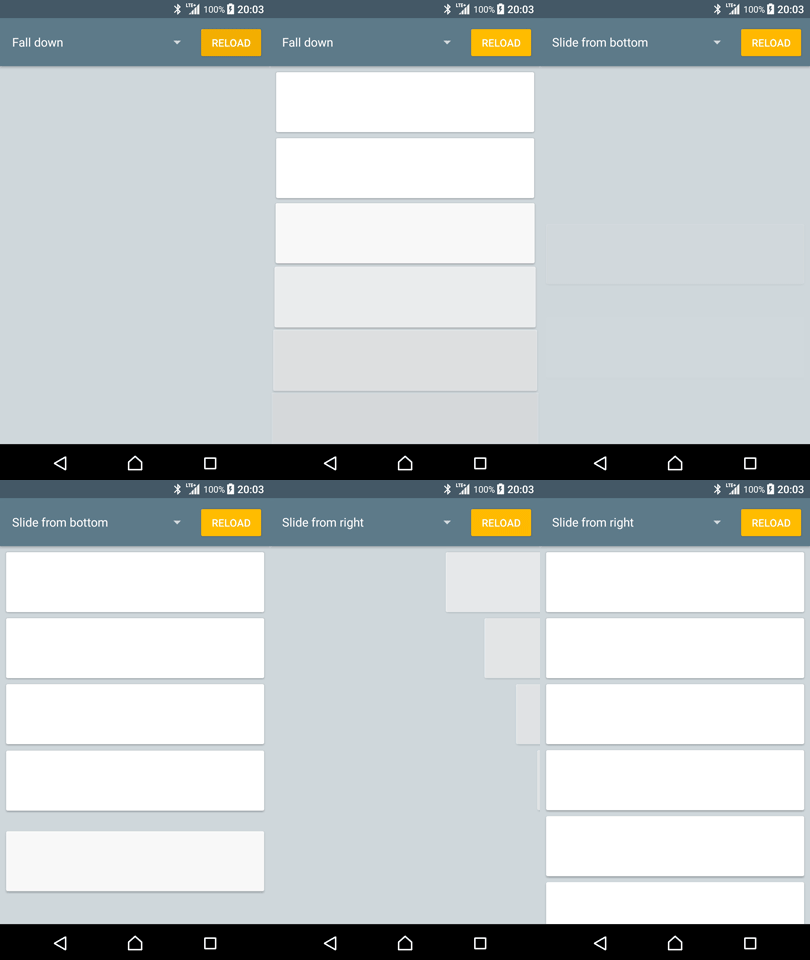
What we are building!
Introduction
In this tutorial we’ll learn an easy way to add an initial content animation for a RecyclerView. There are some ways of doing this, e.g.:
- Implementing a custom ItemAnimator
- Add animation handling to
onBindViewHolder()in the Adapter
We’ll be using a third option, LayoutAnimation. It’s easy and only requires a small amount of code. It’s worth noting that though this tutorial is focused around RecyclerViews, LayoutAnimations can be applied to any subclass of ViewGroup.
Let’s get started
So let’s start of by creating the item animation, in this example we’ll go for the Fall Down animation shown below.
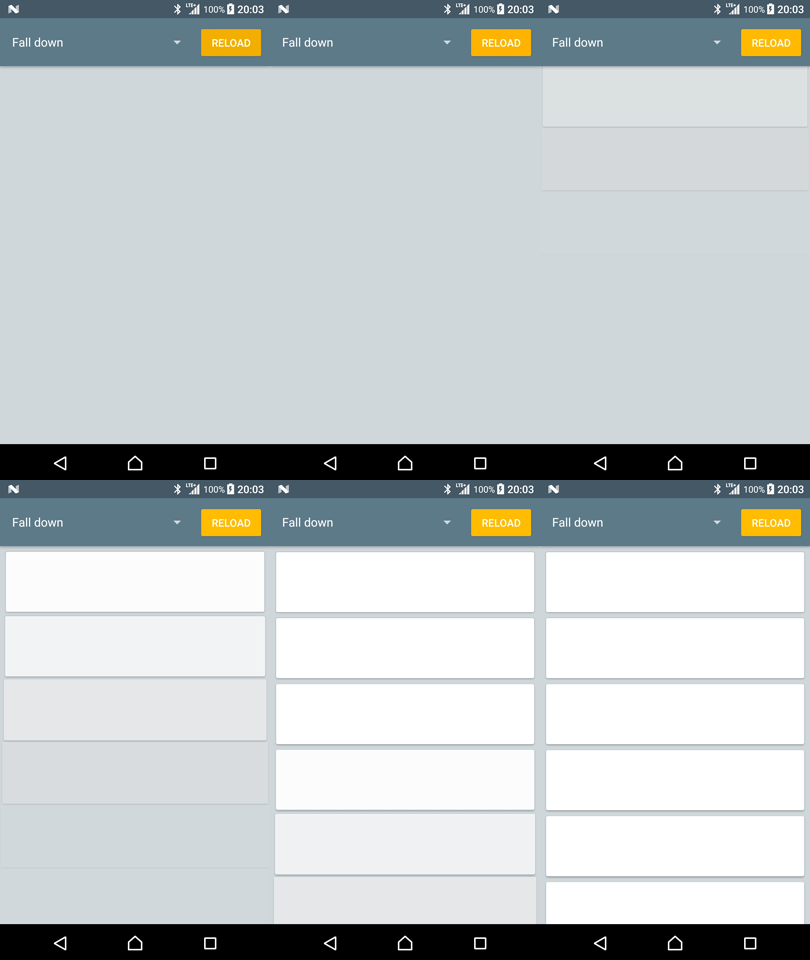
The Fall Down animation
Start of by creating the file
item_animation_fall_down.xml in res/anim/ and add the following:Defining the LayoutAnimation
With the item animation done it’s time to define the layout animation which will apply the item animation to each child in the layout. Create a new file called
layout_animation_fall_down.xml in res/anim/ and add the following:
Applying the LayoutAnimation
A LayoutAnimation can be applied both programmatically and in XML.

Comments
Post a Comment